
Desktop app
Prime POS for Windows
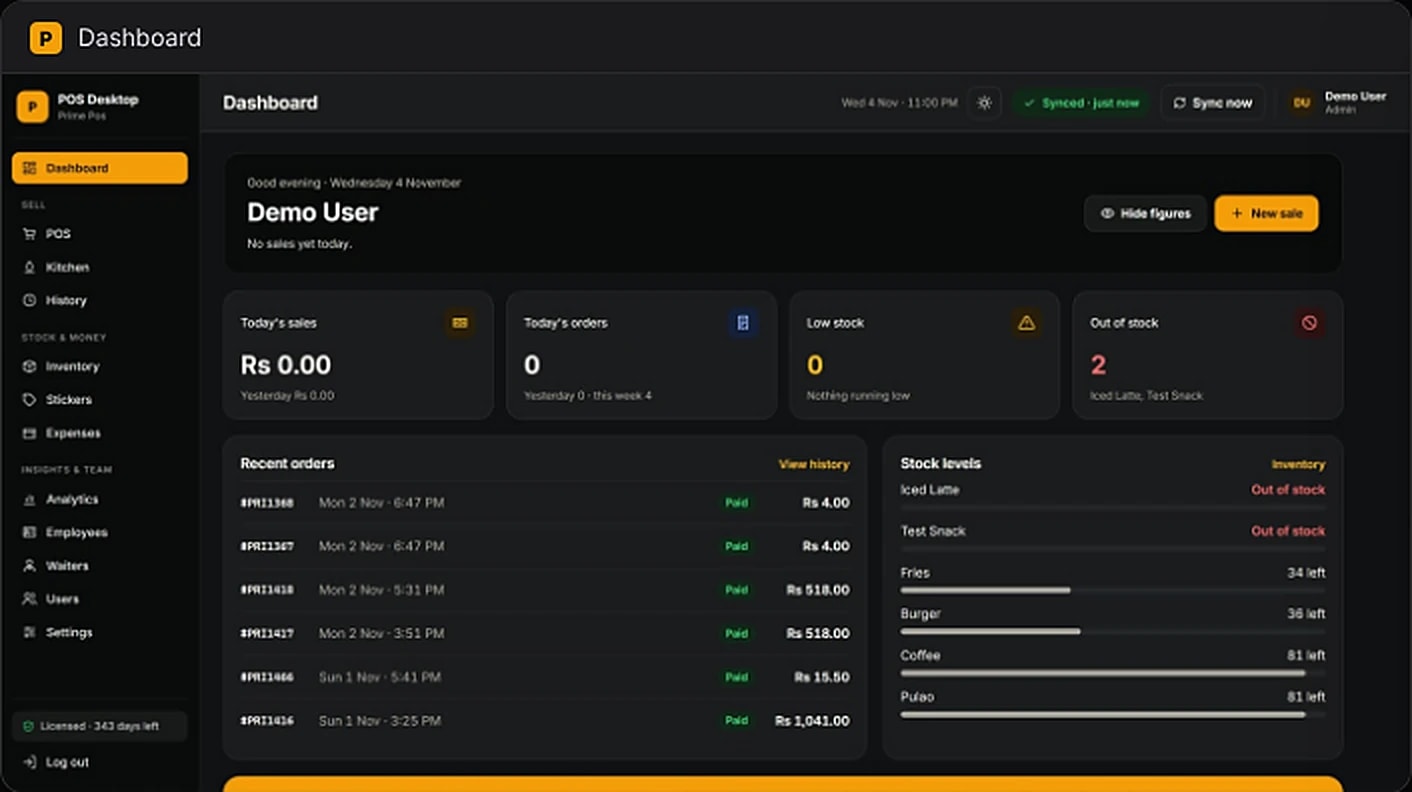
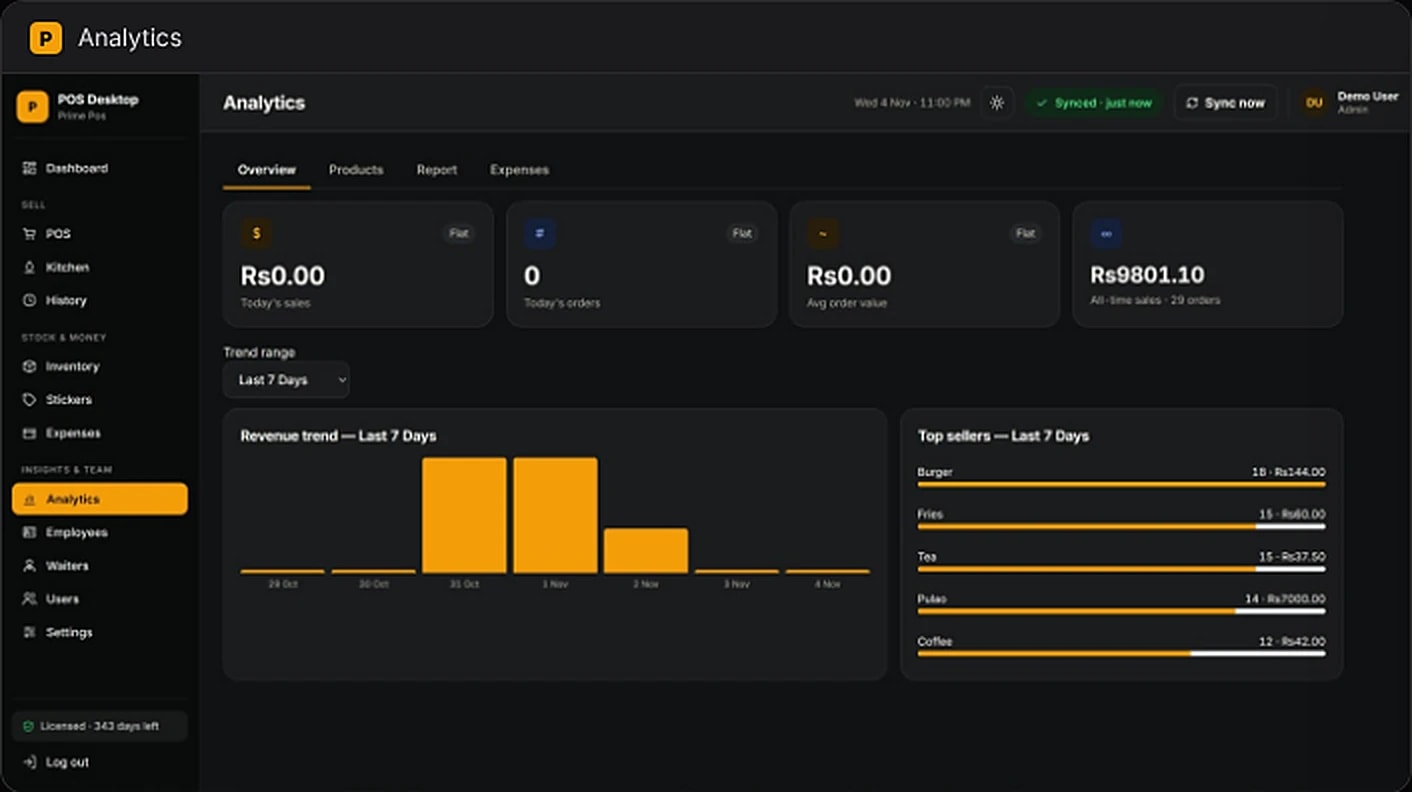
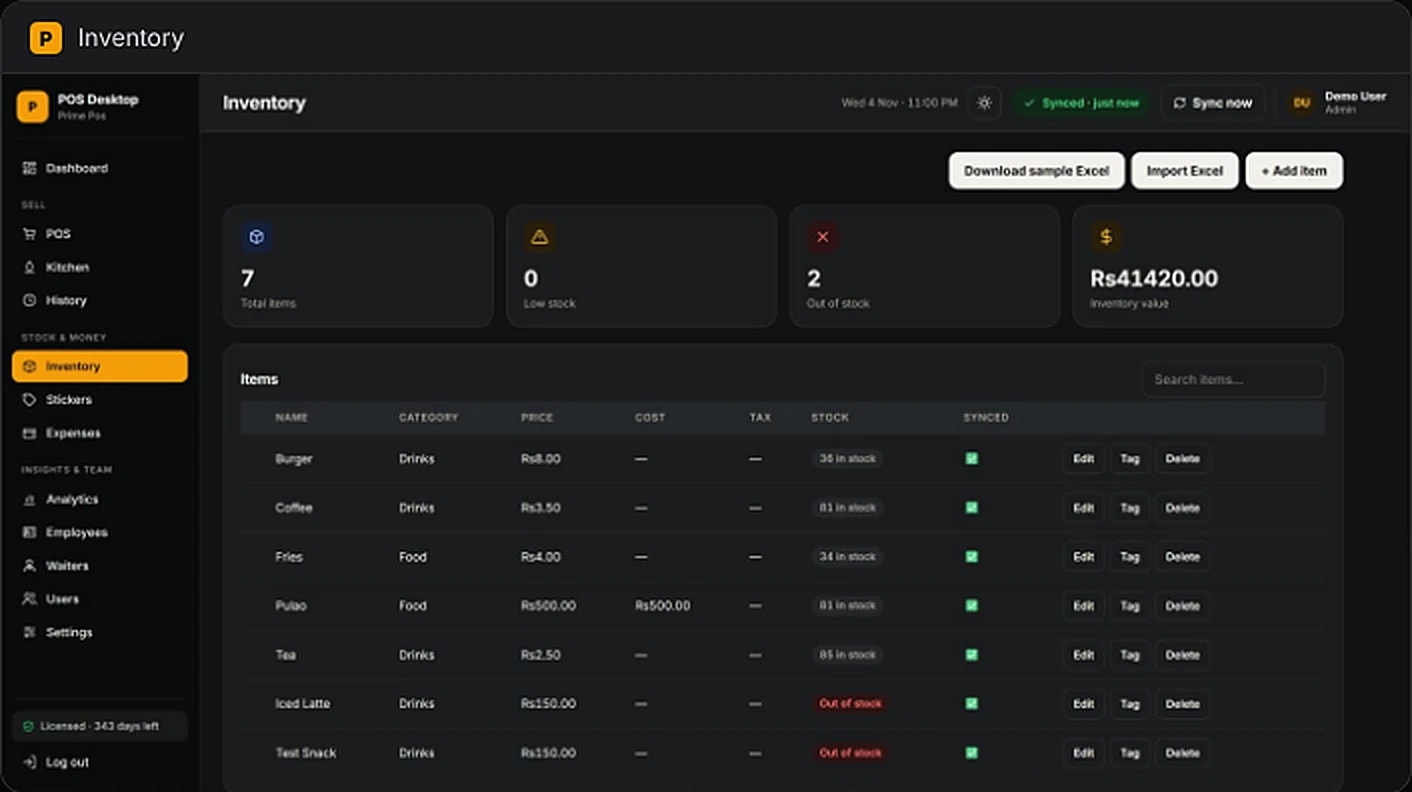
The same POS, inventory and kitchen tools as the web app — installed natively for faster thermal printing and a till that keeps working through any internet outage, syncing automatically once you’re back online.
Version 1.0.0Windows 10 / 1164-bit
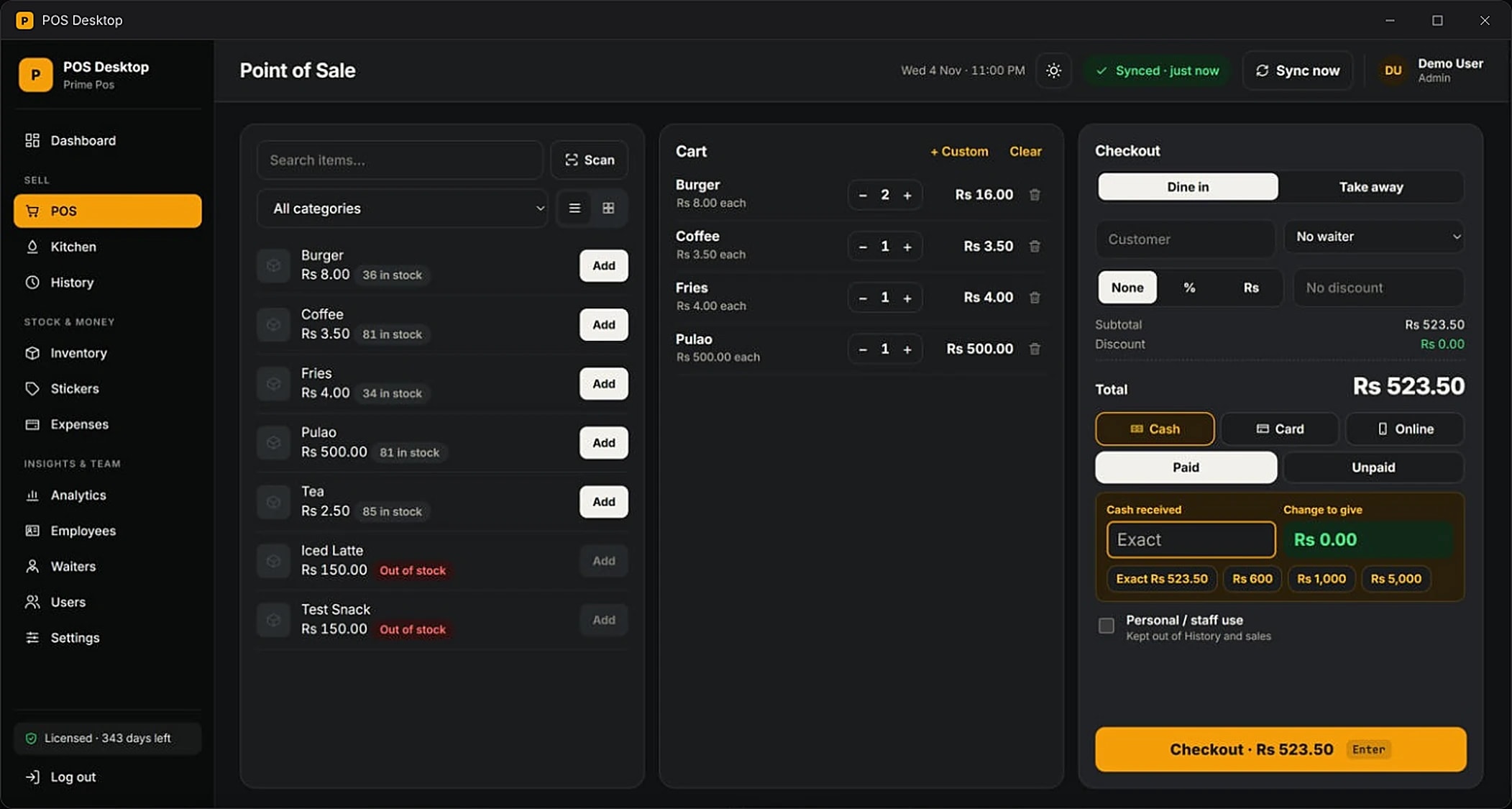
Faster thermal printing
Native printing straight to your receipt printer, no browser dialogs.
Offline-first
Keep selling through outages; everything syncs once you’re back online.
Same account
Sign in with the email and password you already use on the web.
Inside the app
Install in three steps
- 1Download the installerClick Download for Windows above and save the file.
- 2Run it and follow the promptsPrime POS installs and adds a shortcut to your desktop.
- 3Sign in and start sellingUse your existing account — your menu, stock and team are already there.
System requirements
- Operating system
- Windows 10 / 11
- Architecture
- 64-bit
- Version
- 1.0.0
Don’t have an account yet? Get your business set up.